
The Economics of Coding Agents: Does Composer 2 Level the Playing Field for Cursor?
For those of us living in code agents lately, the comparison game is constant: Claude Code, Codex, Cursor, and the rest. If you do the math, Cursor (and paying listed API costs) can often feel like the pricier option because you are essentially paying for the listed API costs of the underlying models.
If you look at the token limits on a high-tier Claude plan, the value is clearly subsidised. For example, using the Claude Code $200/month plan, you could potentially burn through what would be $5,000+ in raw API costs (no complaint as a consumer!). This has historically made Cursor—which arguably leads a lot of the IDE experience and features—a harder sell for developers watching their out-of-pocket expenses.
The Shift to Composer 2
A few months ago, Composer 1.5 launched. It was positioned as a middle ground between Sonnet and Opus, but in my experience, it was a bit “sloppy”—fast, but less intelligent in tool calls and plan generation compared to Sonnet (let alone Opus).
Then Composer 2 dropped just a few days ago. The claim: performance that rivals Opus 4.6 at 1/10th of the input/output cost. Because Cursor is also being more generous with its “Auto + Composer” usage pool, the effective price is now even lower than the listed rates.
Relative input/output cost (Composer 2's claim)
Composer 2's claim: Opus 4.6-level performance at roughly 1/10th the input/output cost. Cursor's Auto + Composer pool makes the effective price lower still.
But claims are one thing; production tasks are another. I spent some time testing it against three specific scenarios this weekend.
The Weekend Stress Test
1. The 50-File Refactor
I ran a refactor on an existing codebase involving 5,000+ lines of changes across 50 files. I needed to do this anyway.
Result: It got roughly 90% right on the first attempt with plan mode + execution. I only had to iterate once to fix 2–3 medium-to-low severity issues.
The “audit”: I asked Opus 4.6 (Thinking) and GPT-5.4 (Thinking) to rate the code quality.
Opus verdict: “For a single-shot refactor touching 50 files… this is top tier. The typical failure mode is logic drift during extraction, which didn’t happen here. I’d rate it 8/10—docked for undisclosed behavior changes, not for the code itself.”
2. New API Integration
I used it to integrate a third-party biometrics provider for an app I’m currently building.
Result: This was the smoothest integration I’ve done. It handled the “Plan → Execution → Fix” loop with minimal friction.
3. The “Pacman” Terminal Test
My standard fun “vibe check” for any new model is building a Pacman terminal game to see how it handles logic, loops, and visuals simultaneously.
Result: Using 3x Fast Mode of Composer 2, it produced a working game in one shot plus two rounds of quick fixes.
Total time: Under 15 minutes.
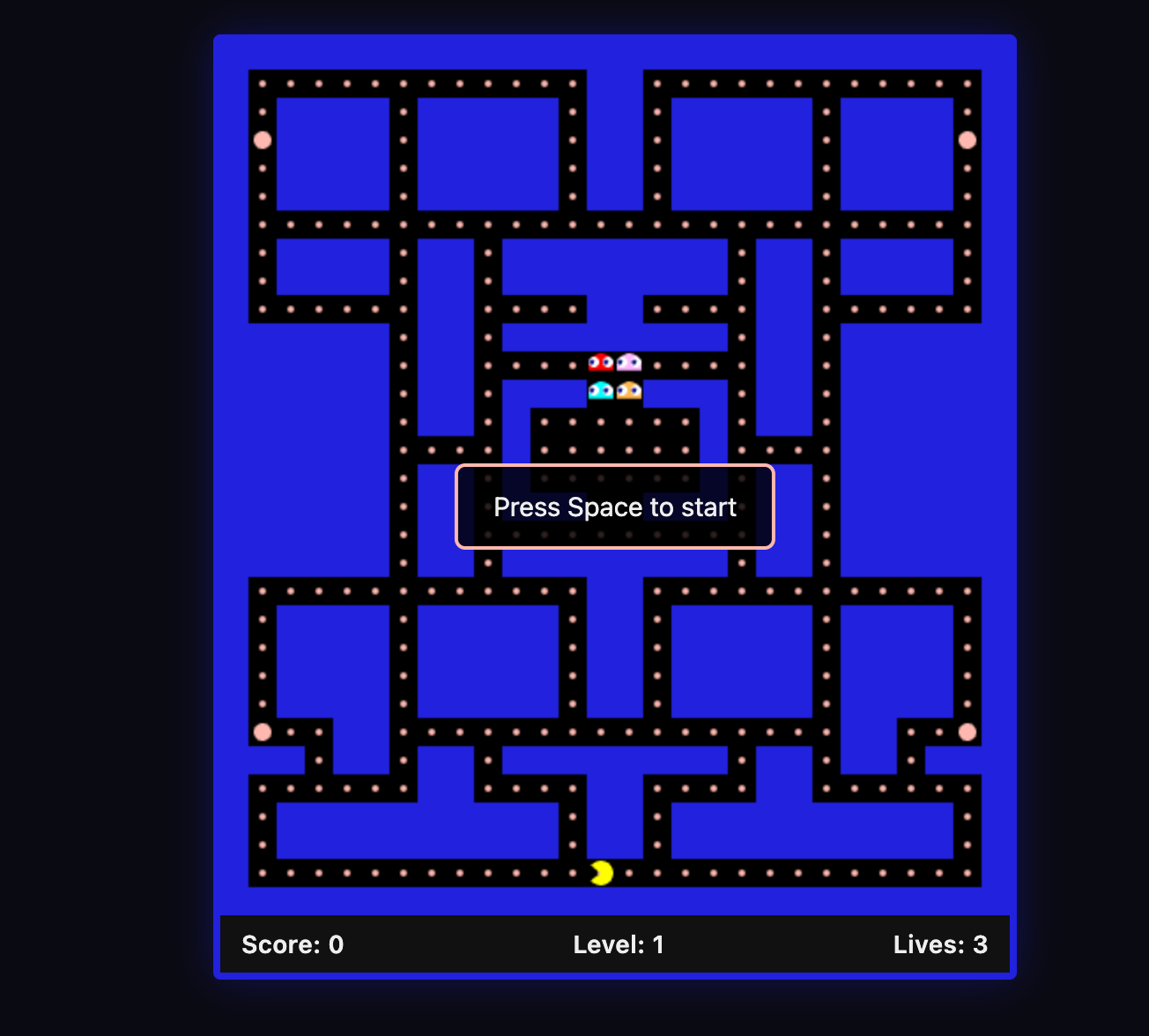
Other model performance benchmark
Pacman build: model-by-model
My standard 'vibe check' — building a Pacman terminal game in one go.
| Model | Outcome | Time |
|---|---|---|
| Composer 2 (3× Fast) | Working game in one shot + 2 quick fixes | <15 min |
| Opus 4.6 | Fancier visuals/UI, but required 3 rounds of logic fixes | ~30 min |
| Sonnet 4.6 | Required 5 rounds of fixes (ghost AI and game pacing issues) | ~30 min |
| DeepSeek V3.2 | Brute-forced via chain-of-thought; extremely slow to converge | 60+ min |
My Technical Verdict
I went into this weekend skeptical. I had tested Kimi-K2.5 (which Cursor uses for pre-training and RL for Composer 2) a few months ago and found it overly confident and prone to “sloppy” tool errors.
However, the Cursor-tuned version is a major step up. The tool-call compliance and plan generation are significantly more reliable. It isn’t perfect, and competition is stiff with other players coming out with great features. But for the first time in a while, the economics of Cursor feel way more balanced. Cursor users can get more work done within existing quota because they can trust Composer 2 for a sizeable amount of production tasks.
Additional: The Future of the IDE UI
While Composer 2 is a win for model performance, the traditional “Editor + Terminal” view still feels like a transition phase. I’ve been experimenting with Conductor (for Codex and Claude Code) and Cursor Glass, and the “agent-first” direction feels right. A few design shifts I now find essential:
- Multi-repo awareness: Having multiple projects/repos on one panel with many agent chat workstreams underneath.
- Hybrid interfaces: A “chat only” interface is too limiting; we still need the ability to review scripts and files when the agent misses a detail.
- Native Git flow: Being able to see the plan, the commit, and the merge PR entirely within the interface.
If you are neither happy with the traditional VS Code experience nor a plain terminal, I highly recommend trying these new agent-centric workflows.
Originally published on Substack.